-4,1.png?w=2000&h=500)
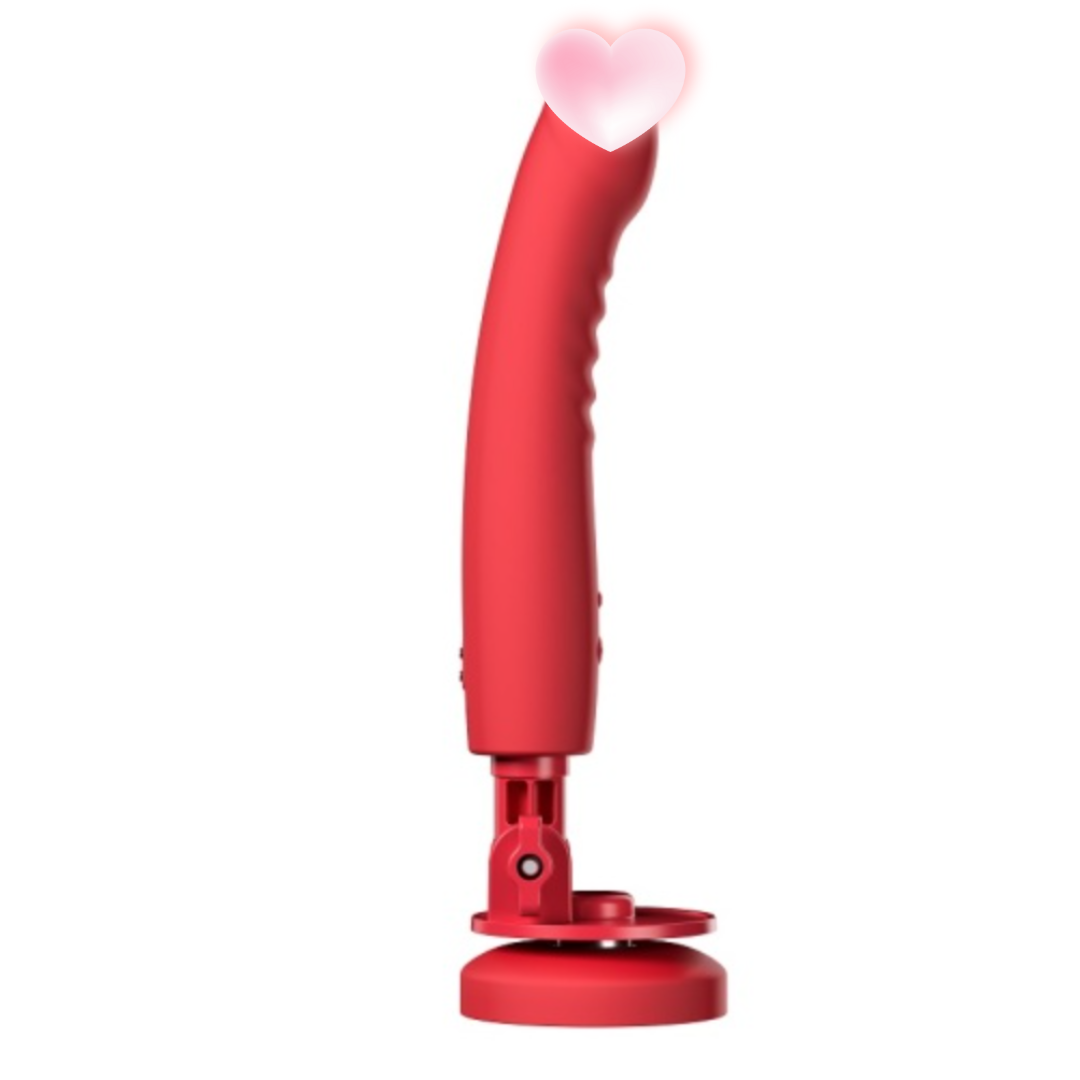
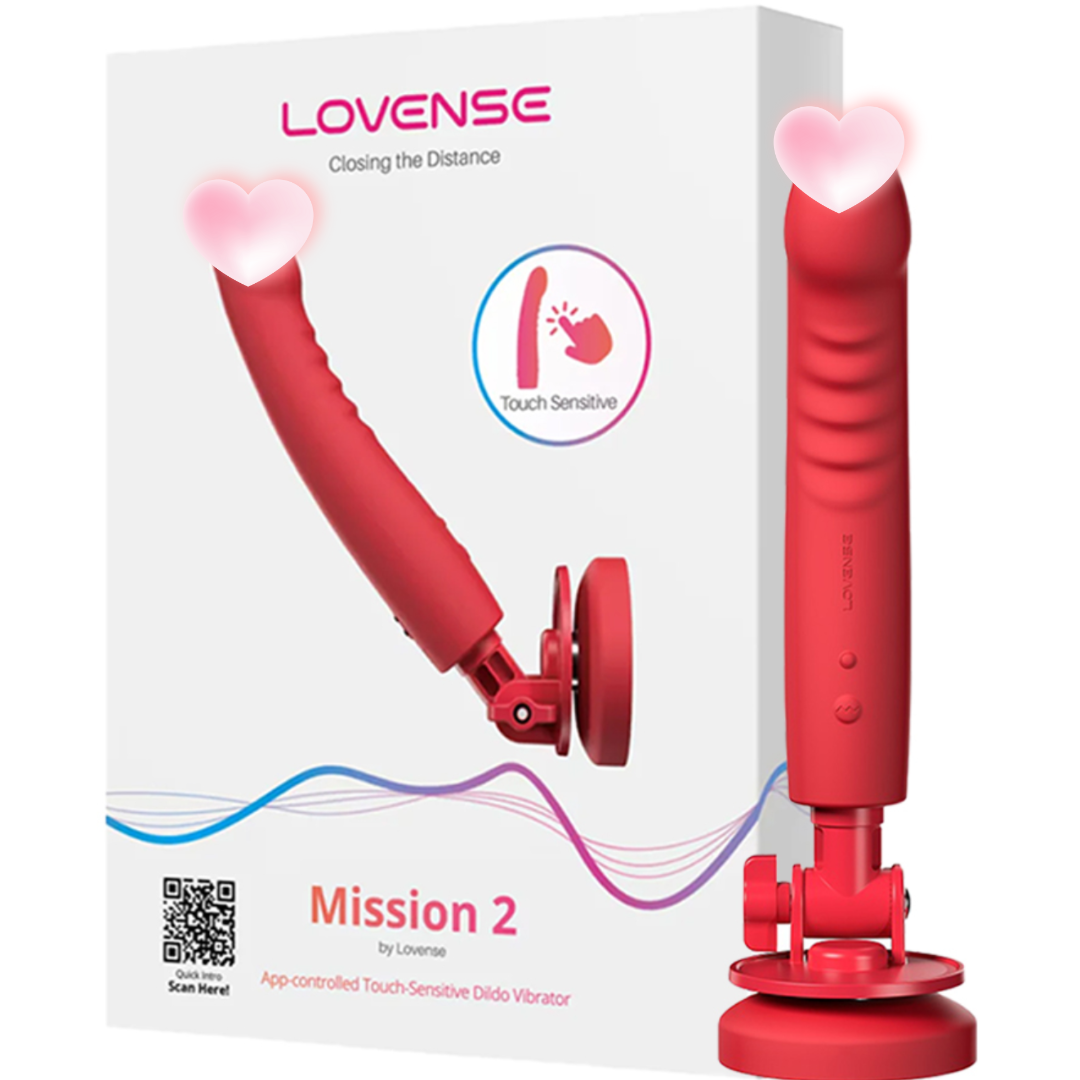
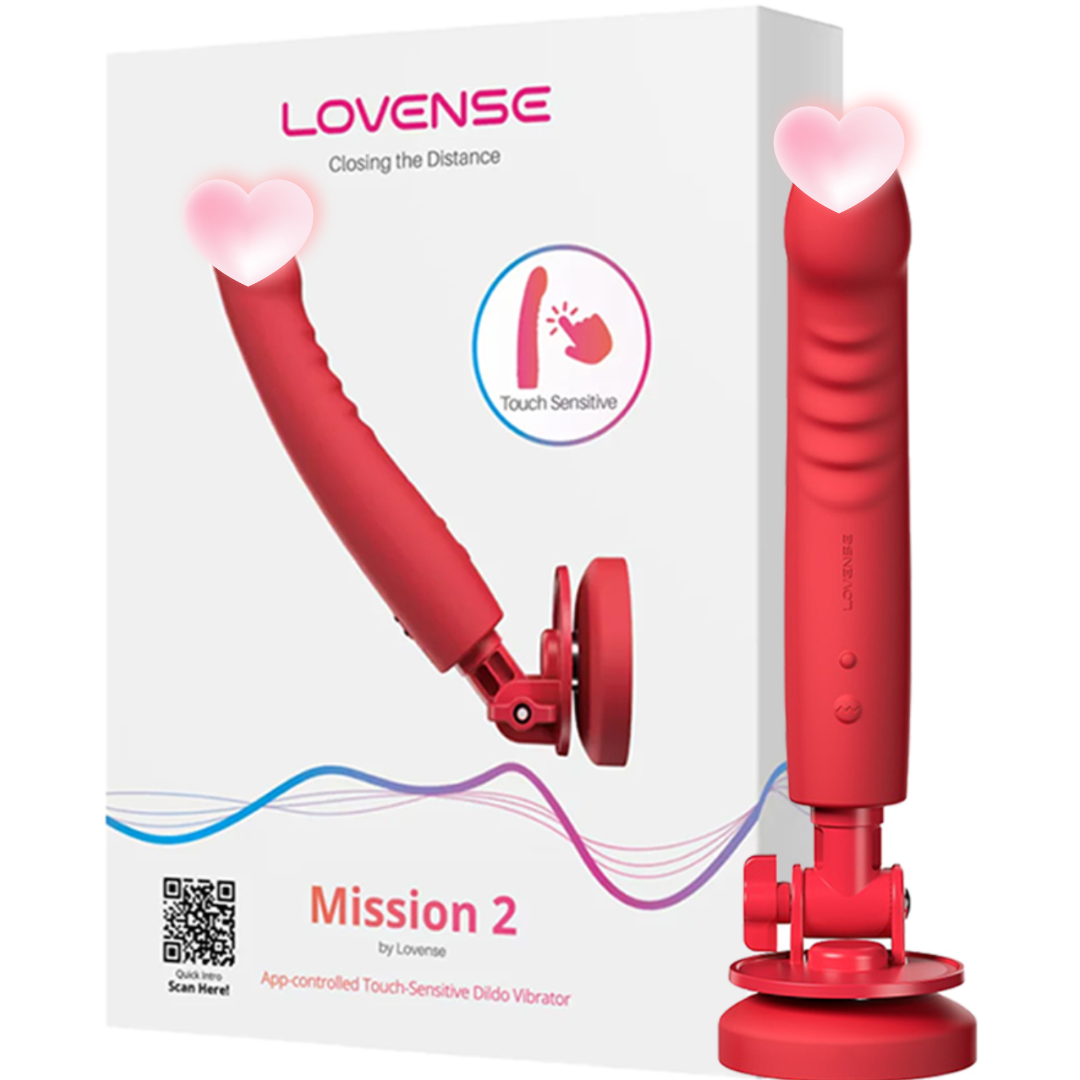
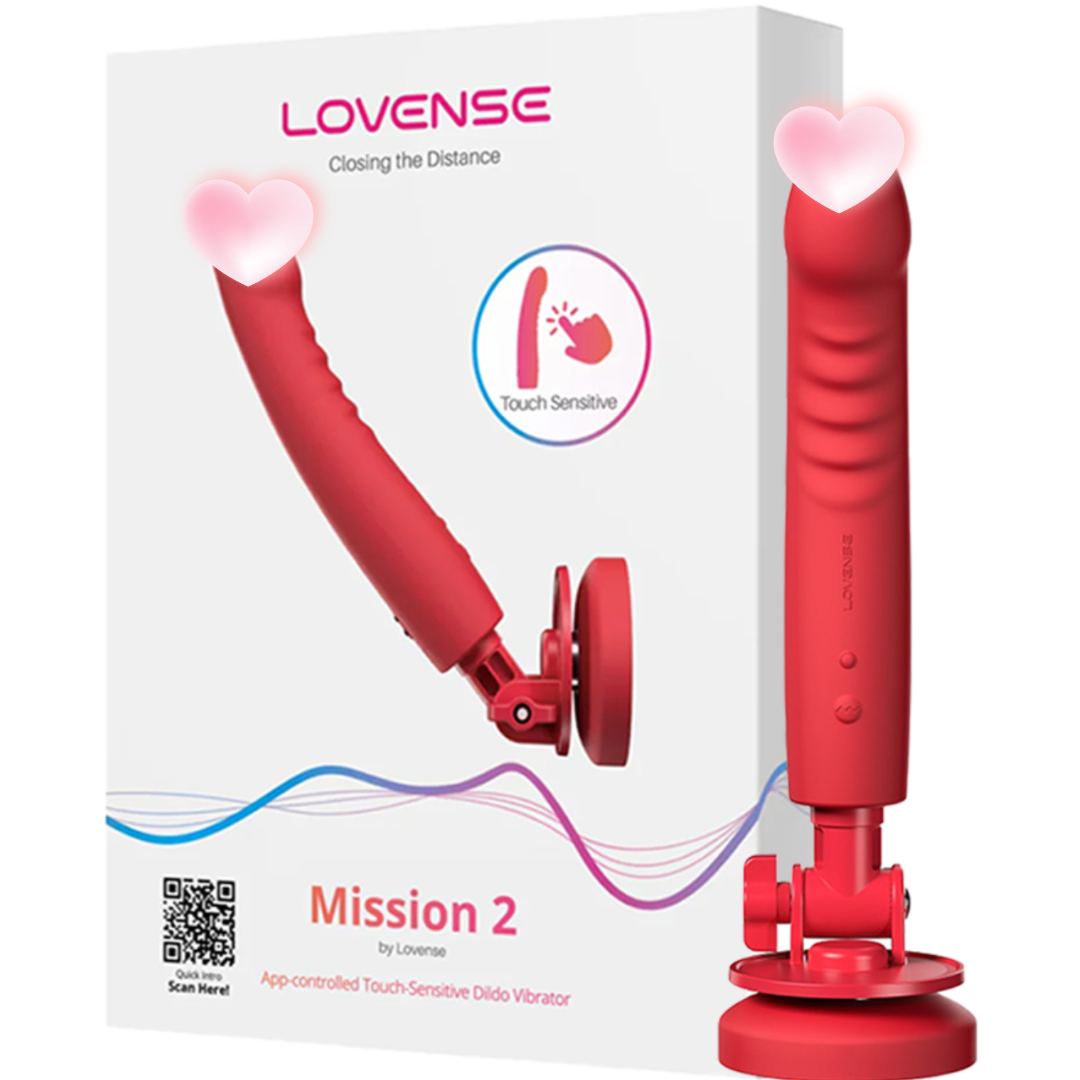
Lovense Mission 2 Smart Control Vibrating Dildo Red
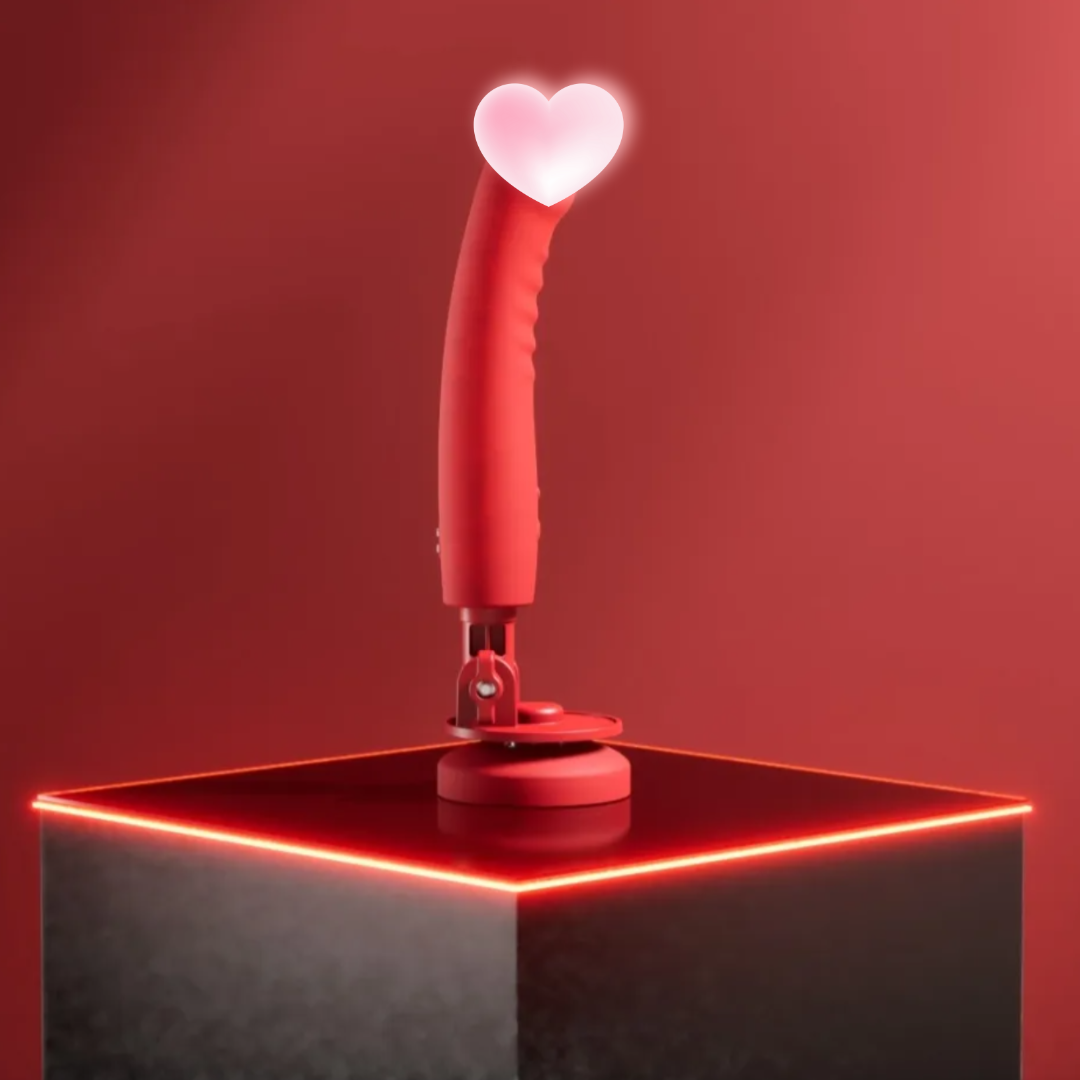
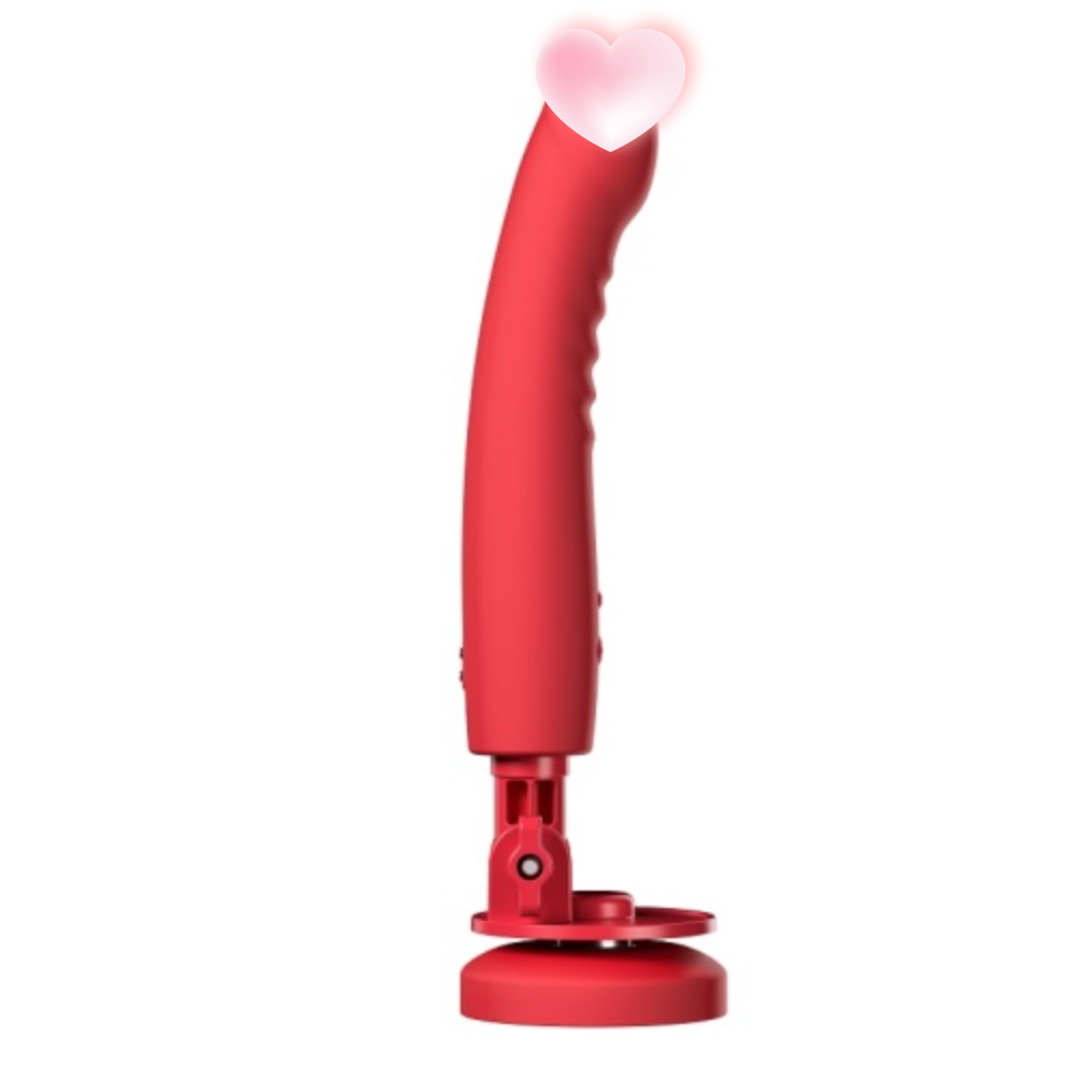
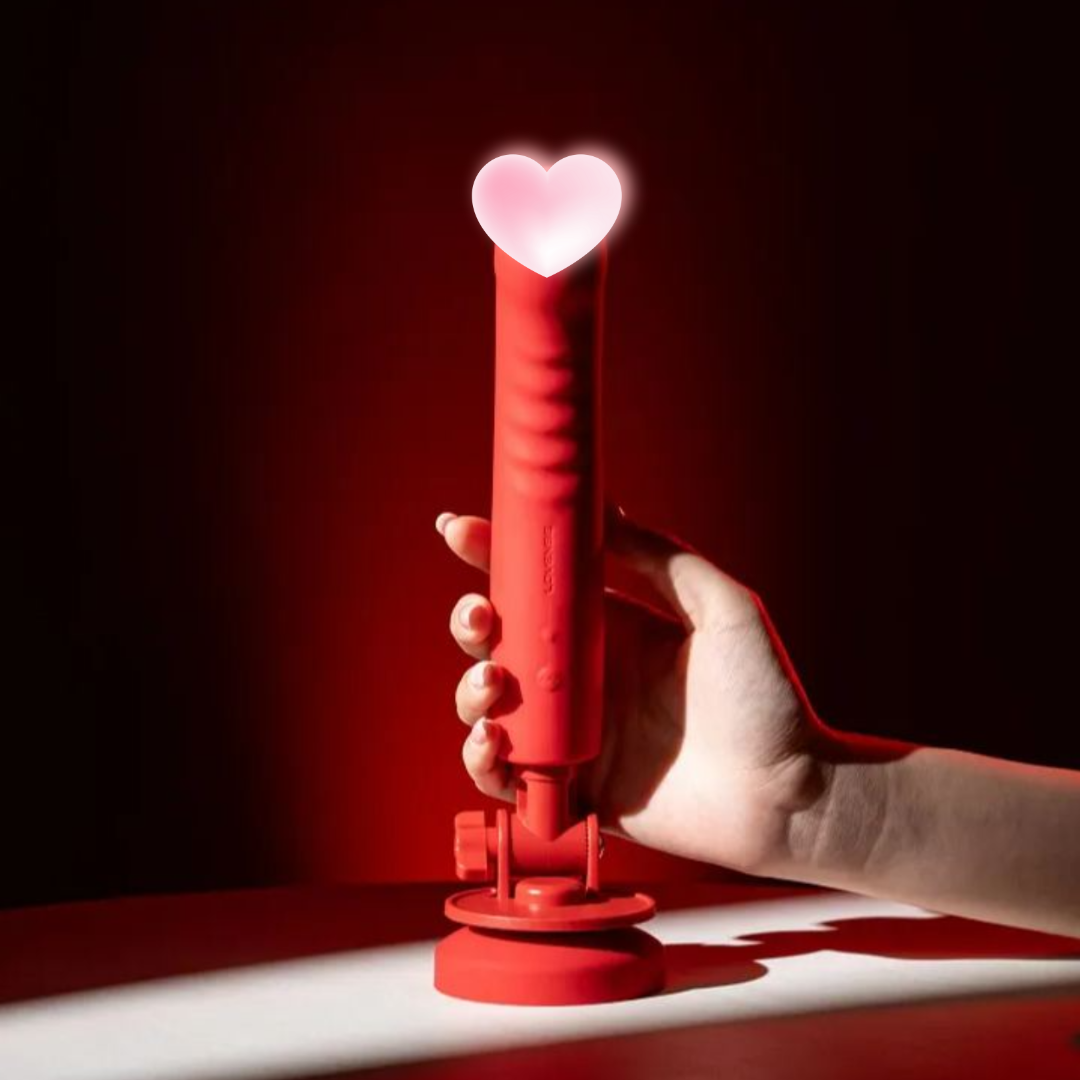
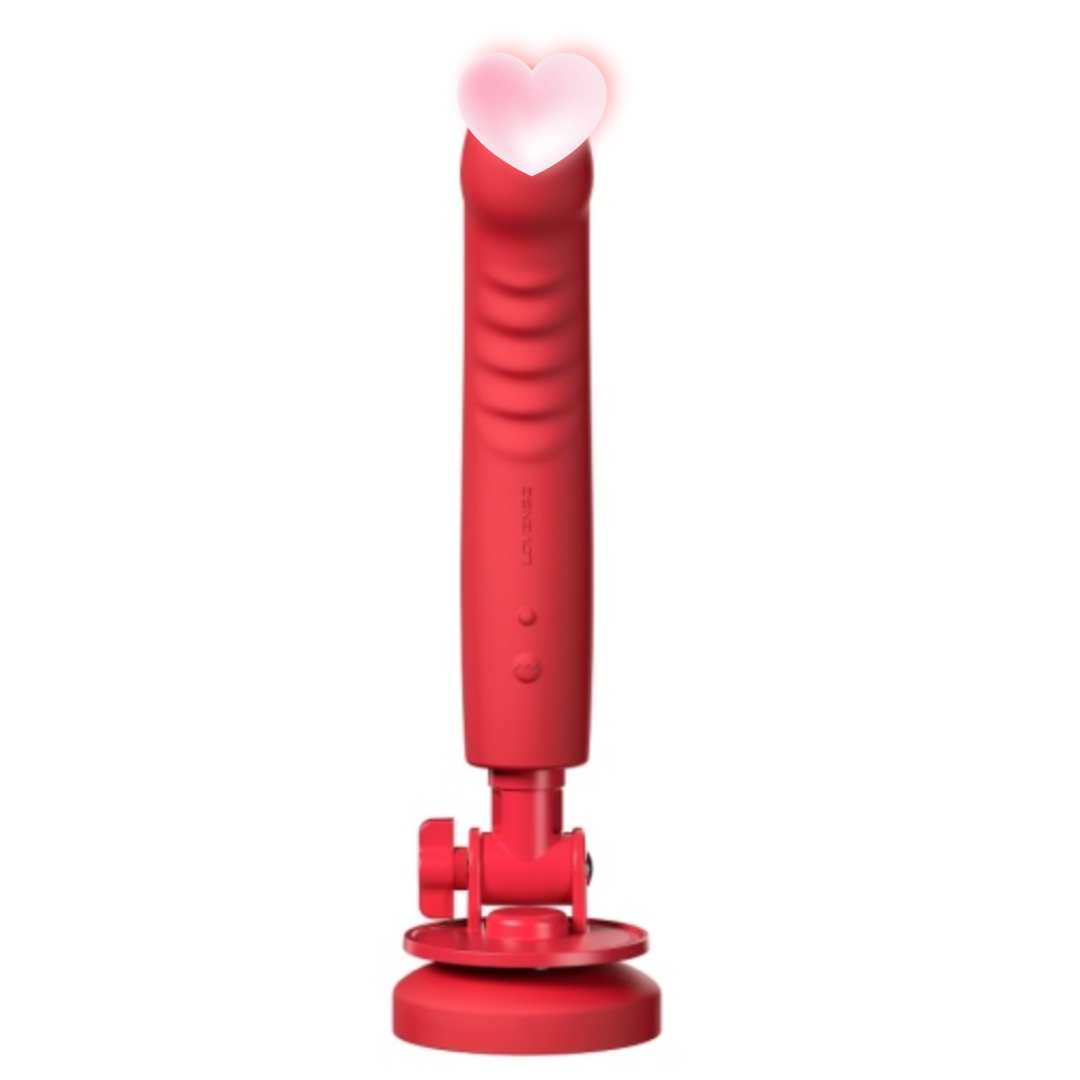
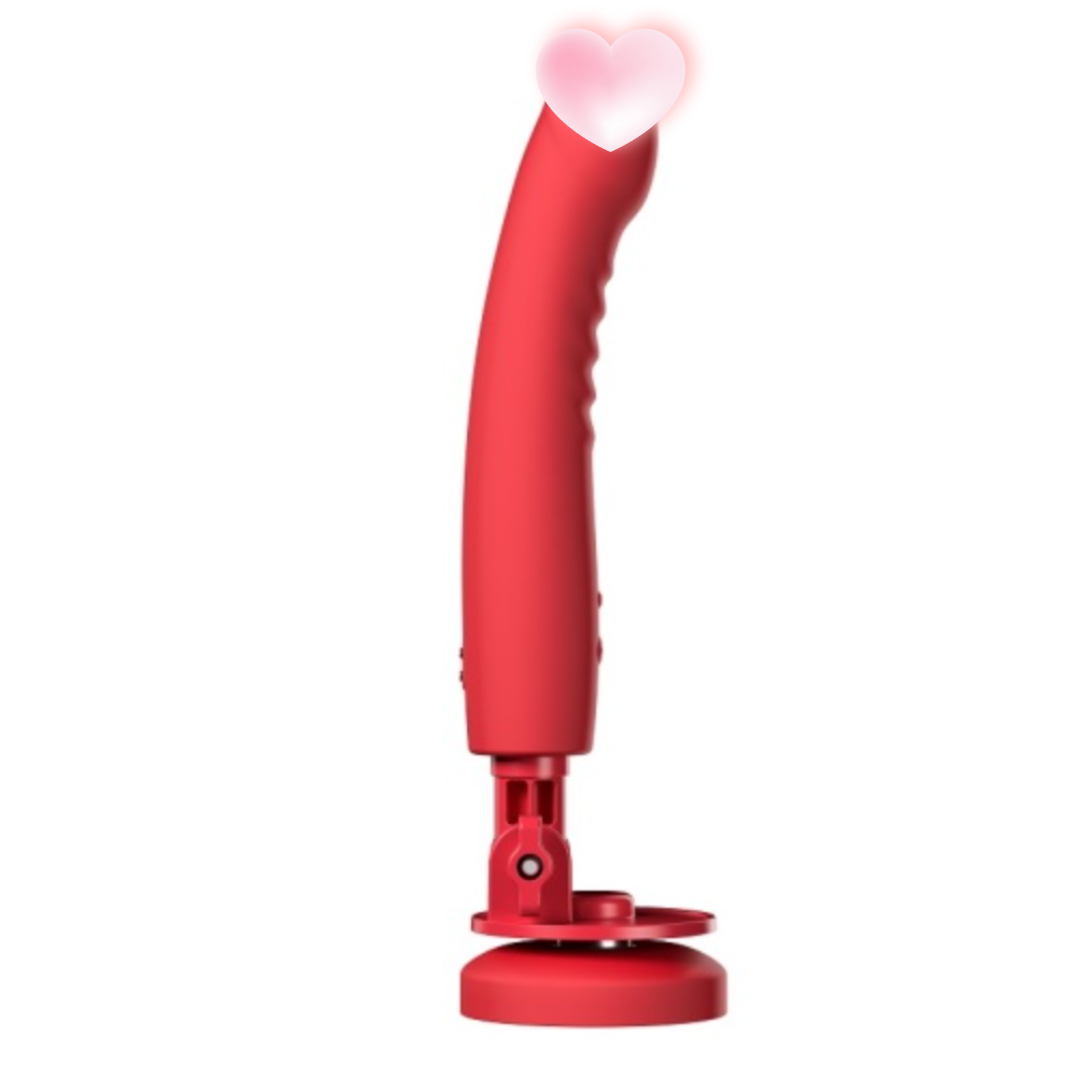
Lovense Mission 2 SmartMassage stickThe second generation flagship of the brandVibratorBuilt-in depth sensing technology, the deeper it is inserted, the stronger the vibration. Supports Lovense Remote App, allowing for remote control synchronization, whether enjoying alone.MasturbatorIt is fun and you can express your feelings to your partner in a different way and enjoy the interaction at any time.
Product Features
-
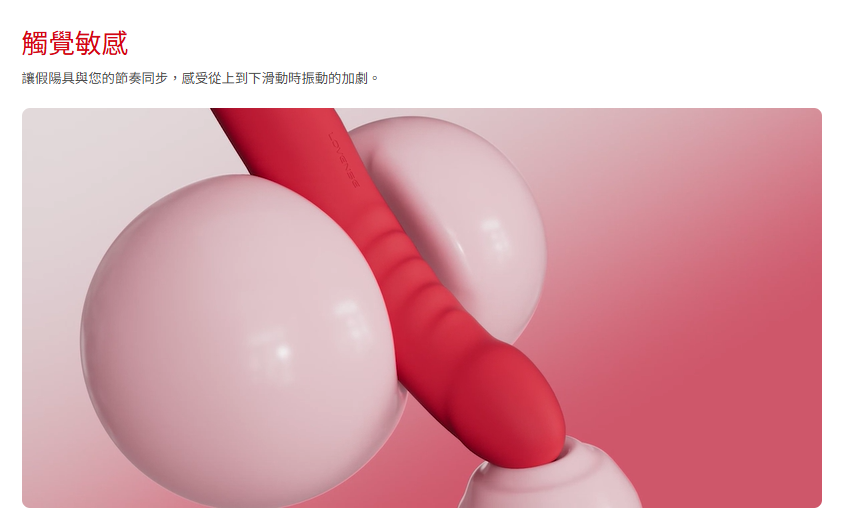
Touch depth sensing: Senses insertion depth, automatically increases vibration intensity, and closely matches the rhythm.
-
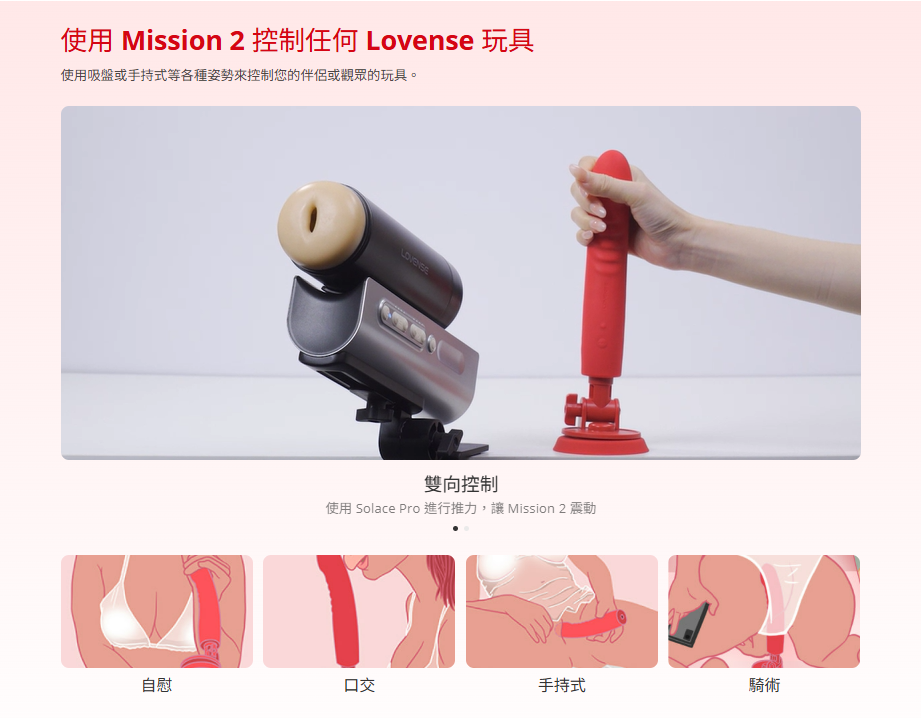
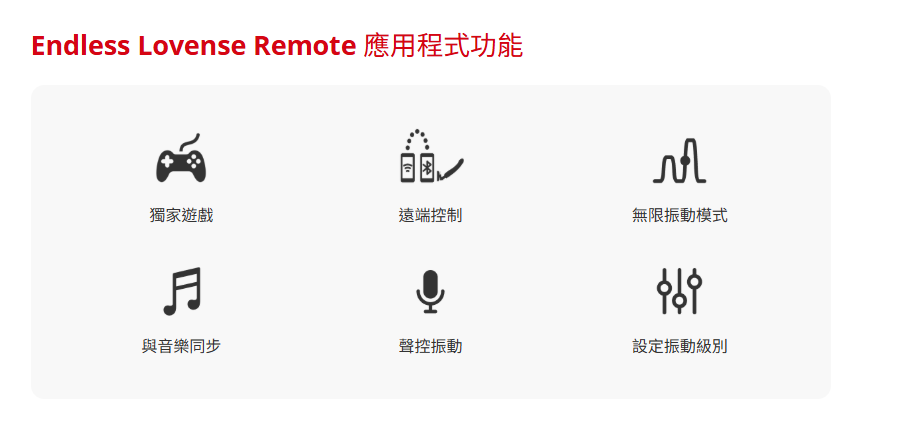
APP remote control + long distance synchronization: One-click connection for iOS/Android, and can also pair with Solace Pro for two-way interaction.
-
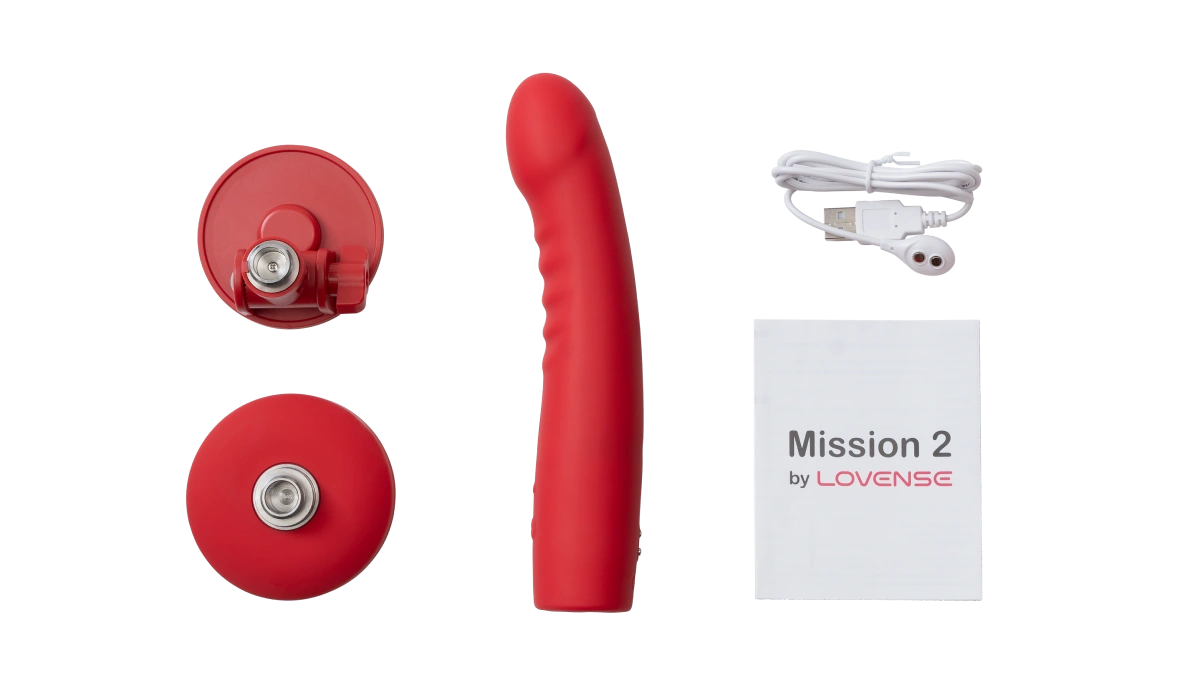
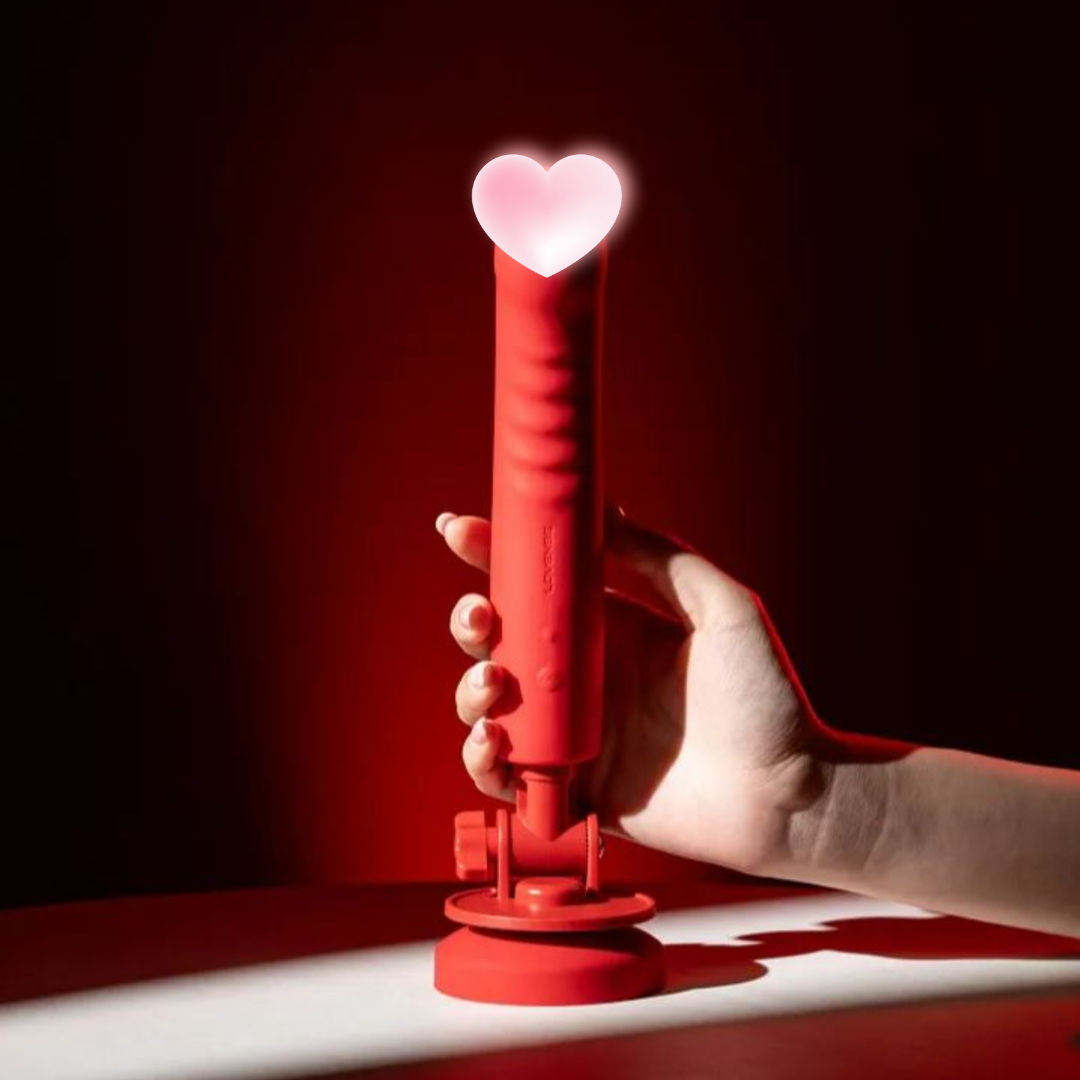
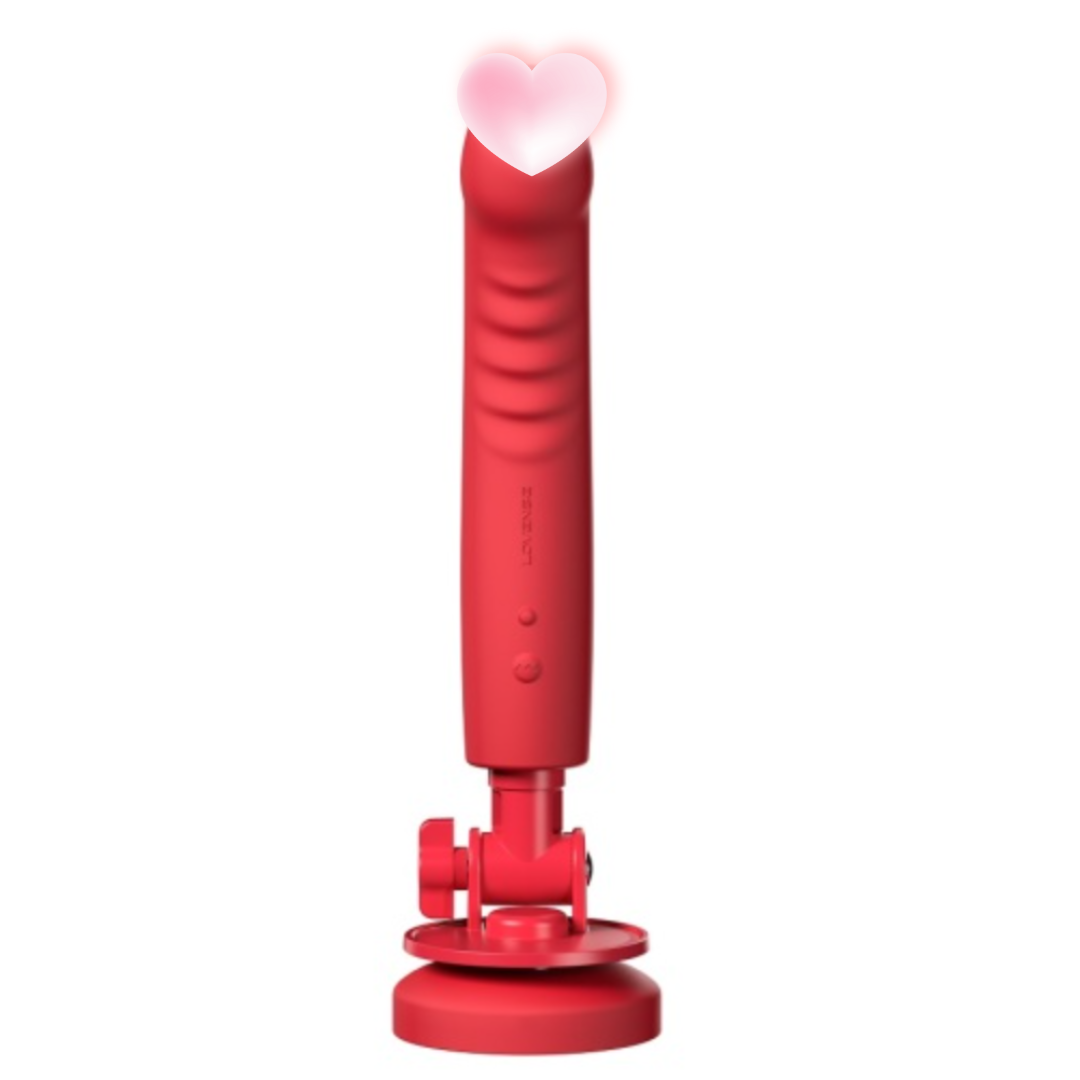
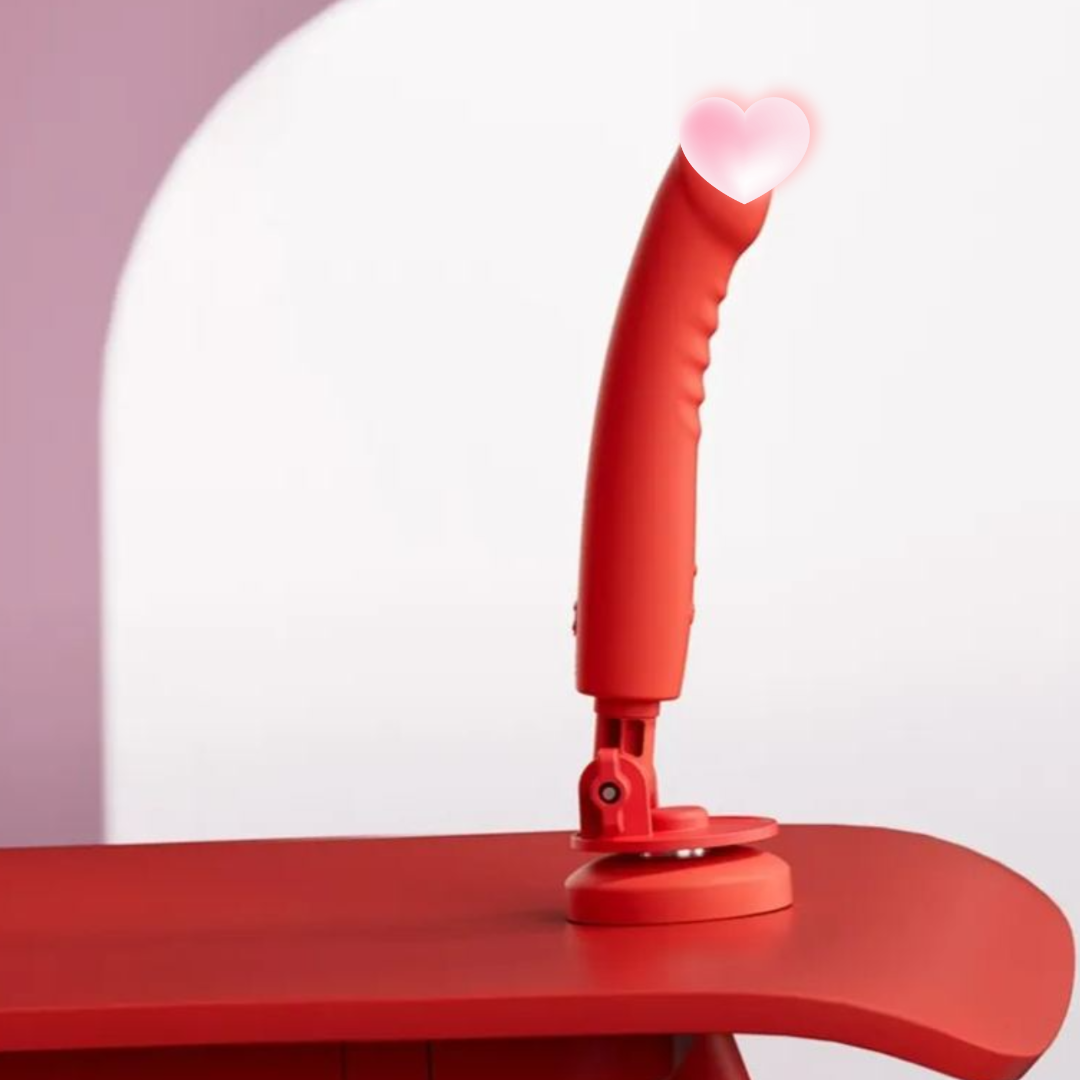
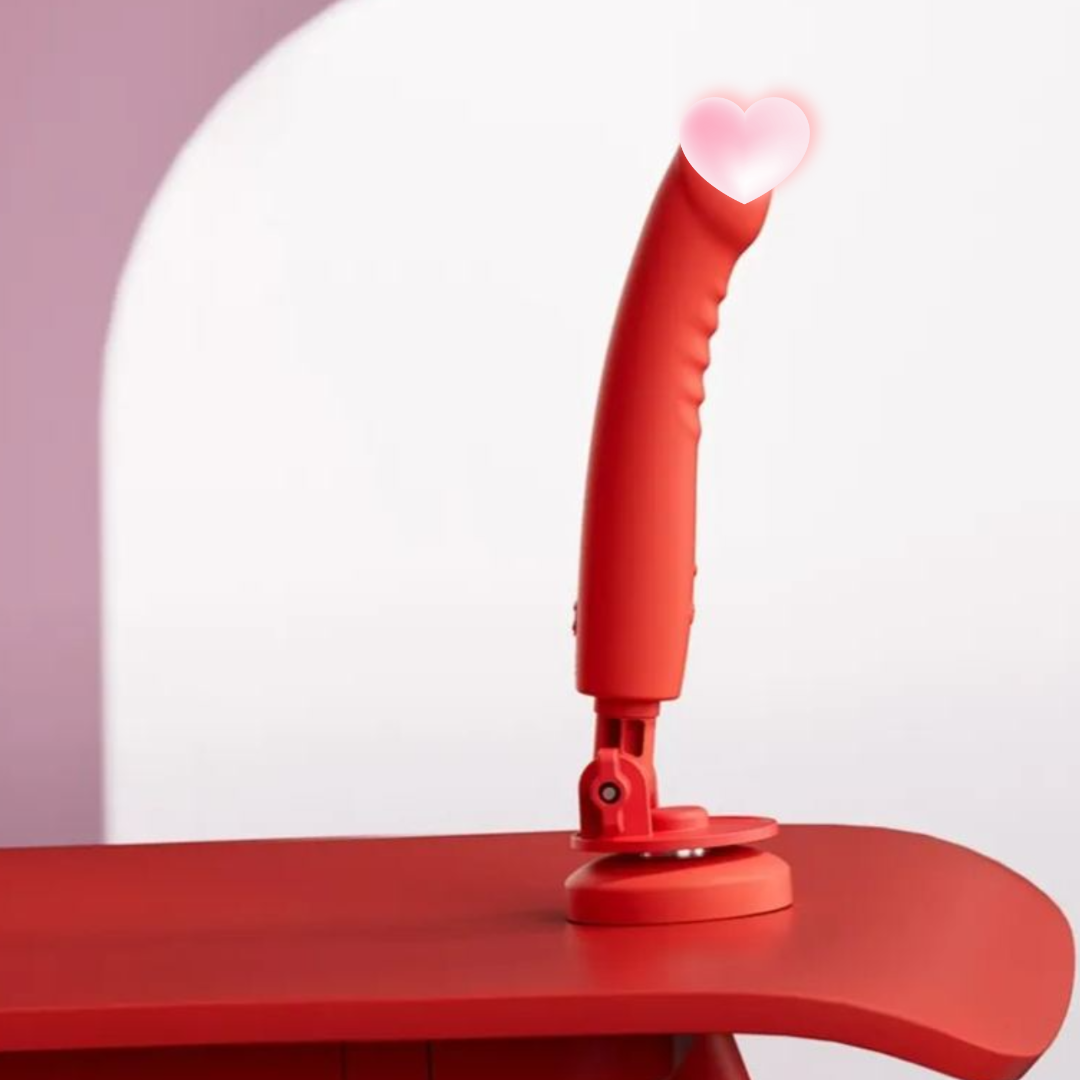
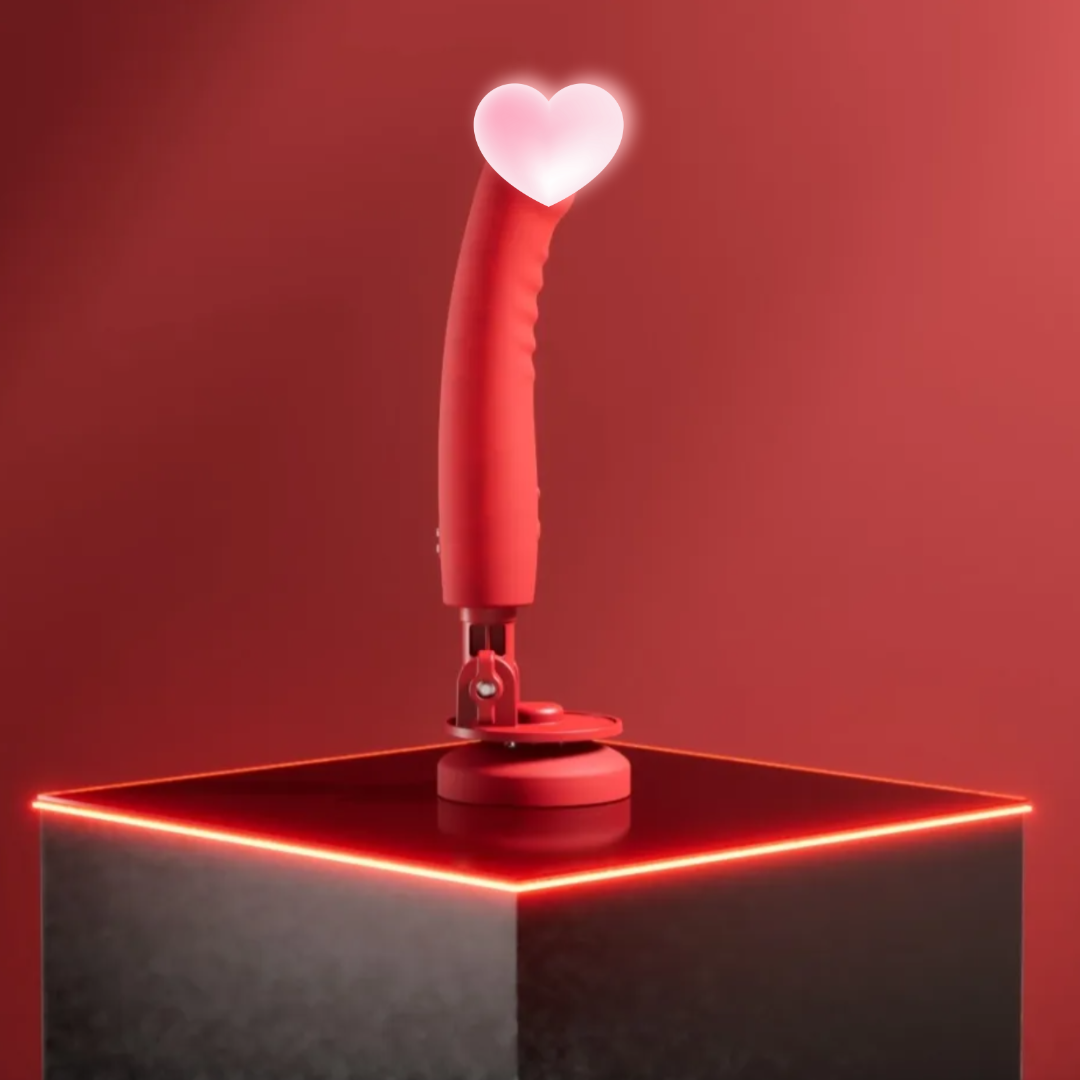
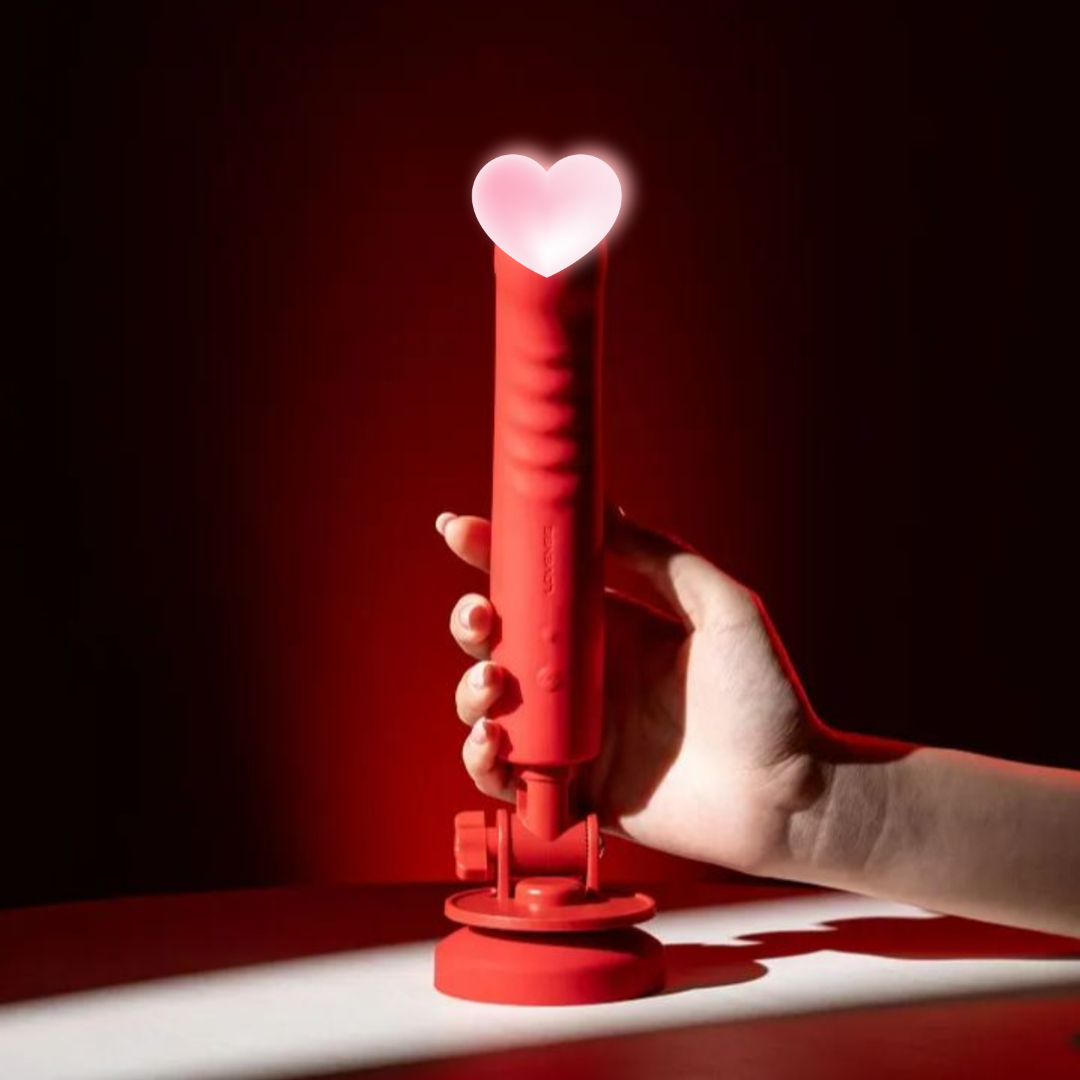
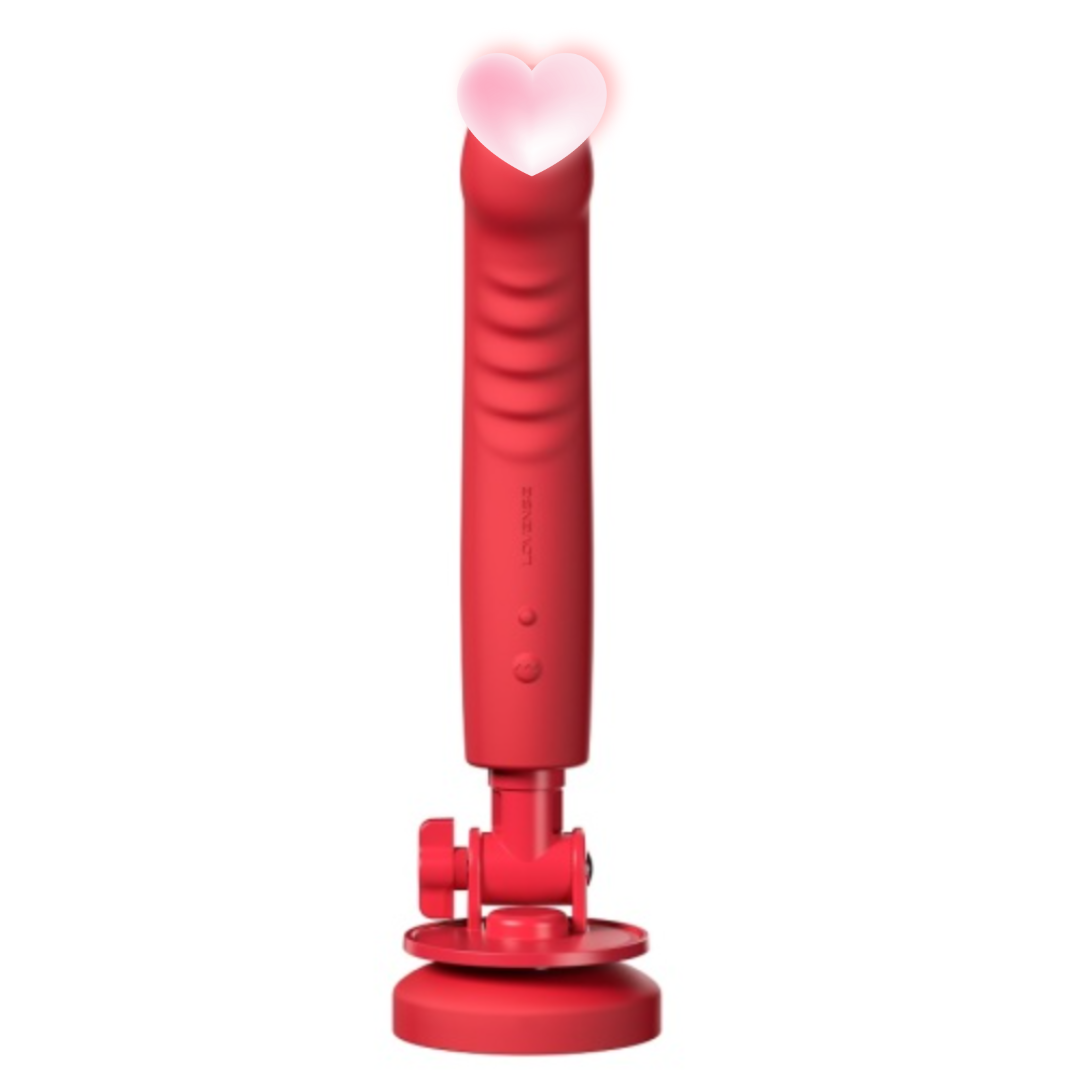
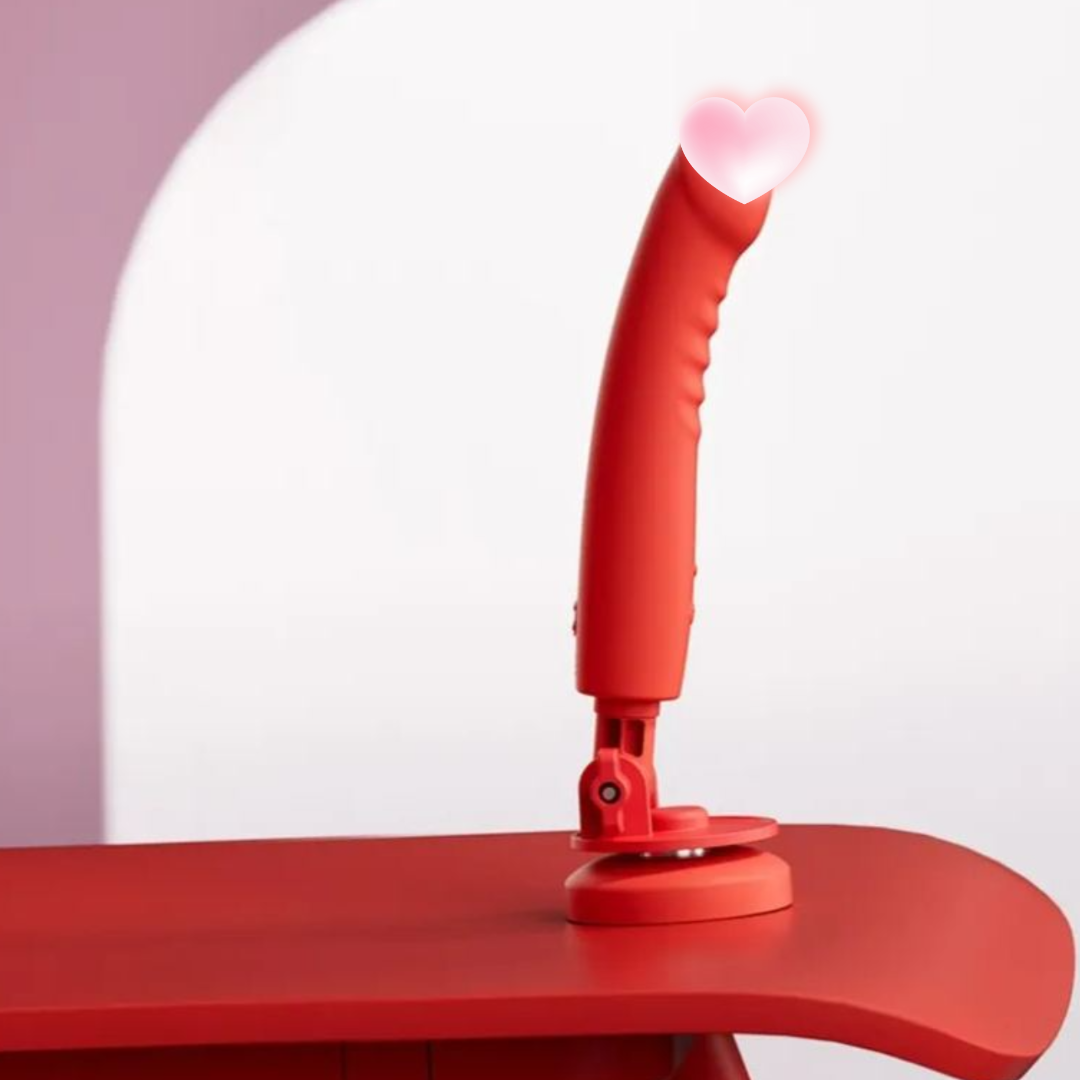
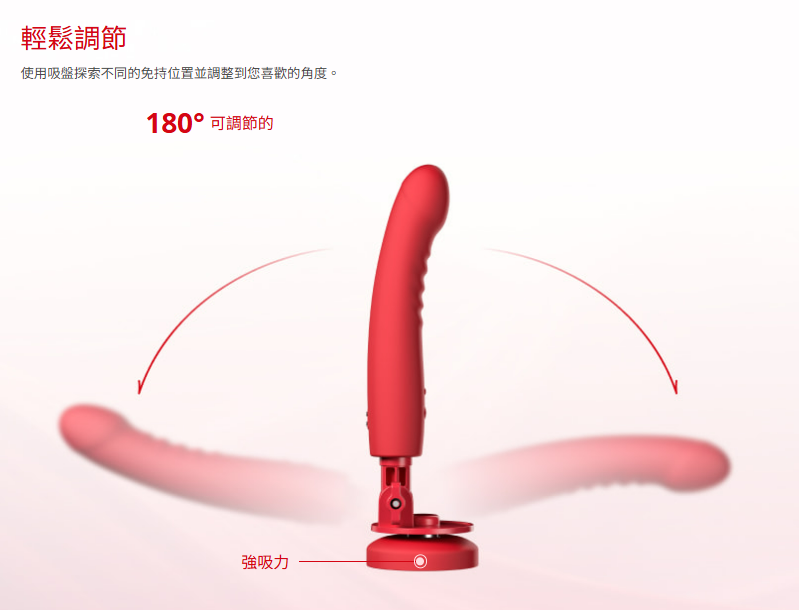
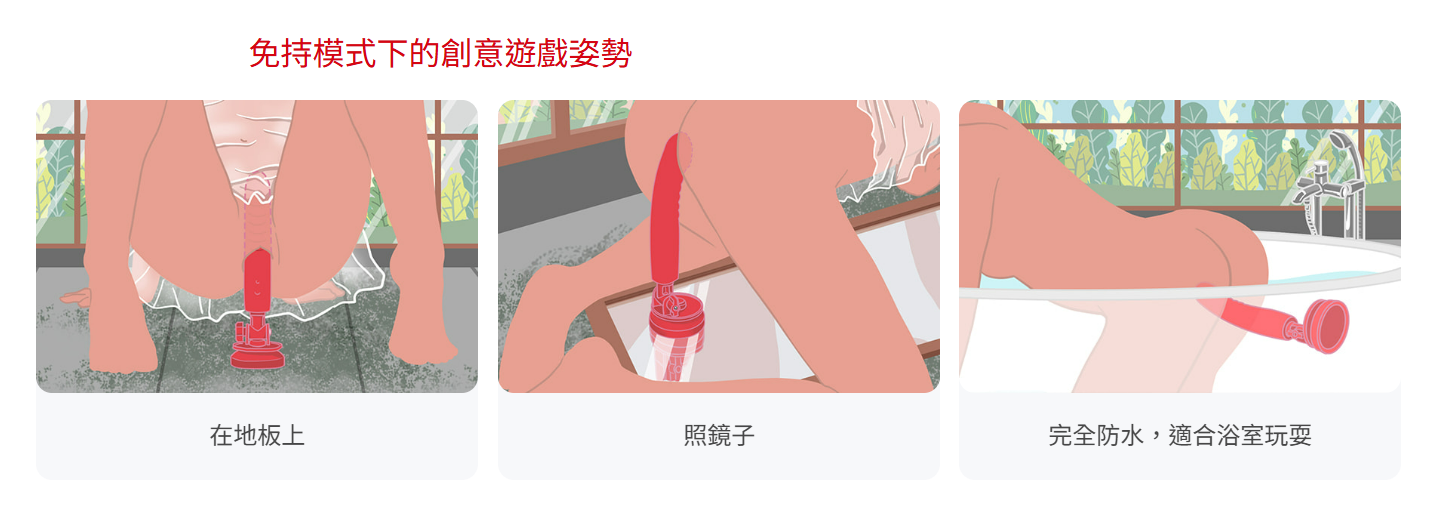
Suction cup + adjustable angle: The strong suction cup can stick to the wall firmly, freeing your hands; the soft neck design allows flexible turning.
-
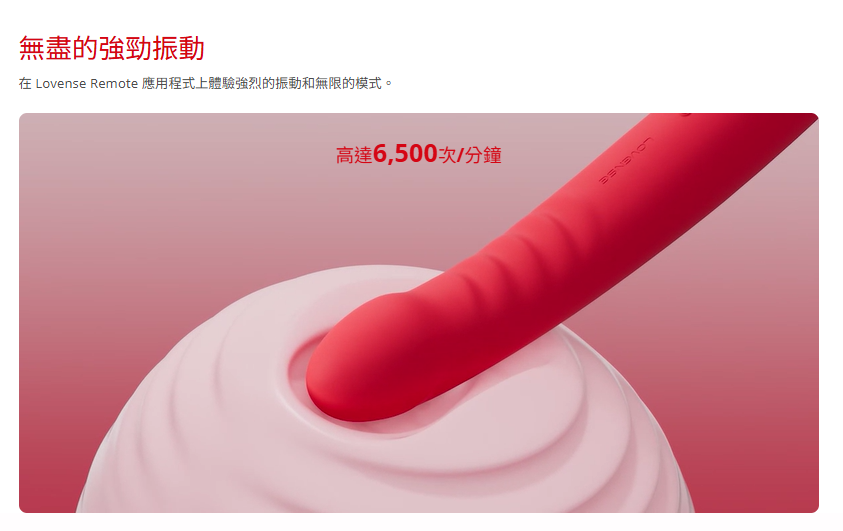
Strong vibration: Up to multiple vibration frequencies, deep and surging, directly hitting sensitive points.
-
Food grade silicone: Silky and skin-friendly, odorless and non-toxic, the entire machine is IPX7 waterproof, so you can play with it in the bathroom with peace of mind.
-
USB fast charging: Fully charged in 8 minutes, with a battery life of about 230 minutes, ready for use at any time.
Product Specifications
-
Brand/Model:Lovense Mission 2
-
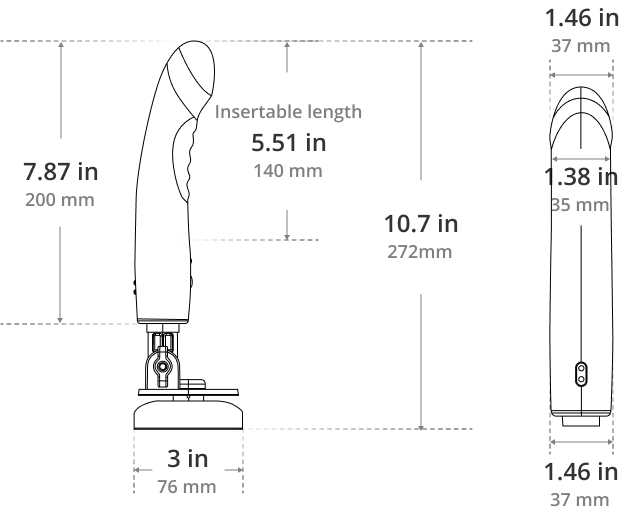
Overall length:272 mm | Insertable length:140 mm
-
diameter:37 mm | weight:175 g
-
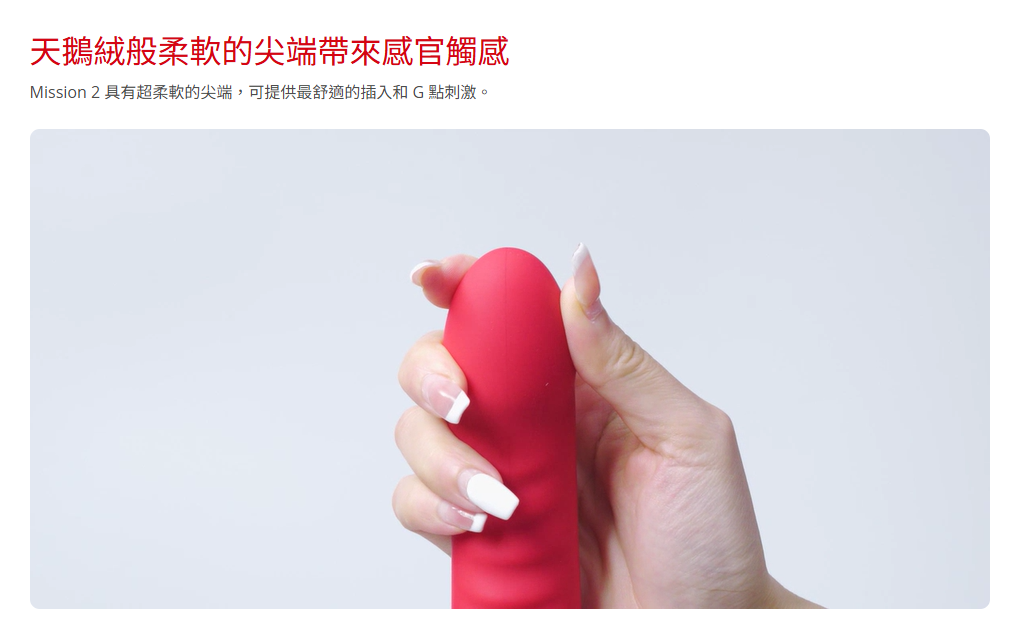
Material: Food grade silicone, PC plastic
-
powered by: USB rechargeable (approximately 8 minutes)
-
Battery life: Approximately 230 minutes
-
Suction cup diameter:76 mm
-
Waterproof grade: Fully floodable
-
Package: Lovense Mission 2, suction cup, charging cable, instruction manual
Usage Tips
-
Before and after first use, wash gently with warm water and toy cleaner and air dry.
-
It is recommended to use a water-based lubricant to protect the silicone and improve smoothness.
-
Before attaching the suction cup, wipe the surface with a slightly damp cloth for a more secure adsorption.
-
Press and hold the power button for 3 seconds to turn it on and off; the blue light flashes to enter pairing mode.
-
After washing, air dry in a cool place, avoiding direct sunlight and extreme heat.
How to control Mission 2 with Lovense Remote
A quick guide to help you get started on your Mission 2 journey.
Play Mission 2's exclusive games on Lovense Remote
1Open your Mission 2 and compare it toLovense RemoteApp connection.
2Go to the "Application Library" tab and click on "Toy Control" to select the game.
3Open the game "Flappy Jumpy" and control the character's movements through your in-and-out actions.
How to assemble the Mission 2 suction cup mount
Mission 2 User Manual
Specification
What's included